
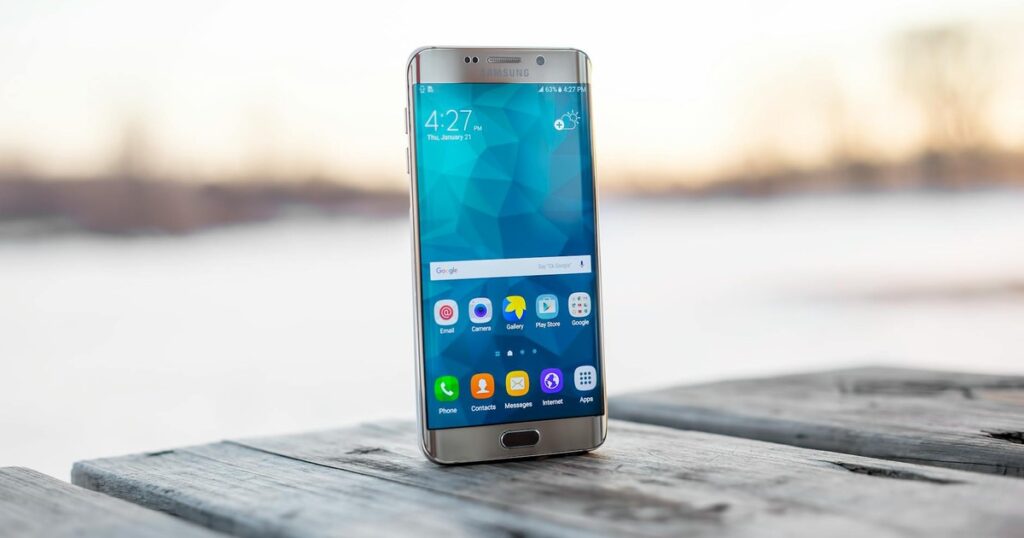
In 2026, Google is implementing significant modifications to Android‘s application ecosystem, with a primary focus on reducing malware proliferation. These changes, set to commence in September, will impose new restrictions on sideloading, requiring developers to undergo a verification process. Android Ecosystem President Sameer Samat has indicated that the company has incorporated user feedback into this rollout, leading to the creation of an advanced flow designed for power users who wish to bypass app verification.
Under the updated system, Android devices will only permit the installation of applications from verified developers. To achieve verification, developers distributing apps outside of Google Play must submit identification documents, upload their signing keys, and pay a fee of $25. This requirement may present a substantial barrier for independent creators seeking to operate without Google’s oversight.
Applications from unverified developers will be blocked from installation on standard Android phones. However, a new advanced flow provides an exception, though it is intentionally obscured within the developer settings. Unlike the current “unknown sources” toggle, which Android actively prompts users to enable, this verification bypass remains hidden and requires proactive user initiation.
The process to activate this bypass is neither straightforward nor rapid. Users must first enable developer options by tapping the software build number in the About Phone section seven times. Next, within Settings > System, they need to access Developer Options, scroll to “Allow Unverified Packages,” and toggle it on, confirming they are not under coercion.
Following this, the user must enter their device unlock PIN or password, restart the device, and then wait for a security delay of 24 hours. After this period, they return to the unverified packages menu, scroll past additional warnings, and choose between “Allow temporarily” for seven days or “Allow indefinitely.” A checkbox must be selected to acknowledge the risks involved.
Once these steps are completed, the device will permit the installation of unverified packages. Users can then tap the “Install anyway” option in the package manager to proceed with sideloading such applications.